Sales
Losing market share? This add-on fixes that in 30 days
4
min read

Your ERP has the answers – Sugar Predict lets you see them
I’ve spent 20 years helping manufacturers, distributors and wholesalers squeeze more value out of the data they already own. ERP systems are excellent historians: they record every invoice, SKU, and margin point. What they don’t do is tell a sales rep who to call at 9 am.
That gap is why we built Sugar Predict (formerly sales-i). Connect it to your existing ERP – read-only, no re-platforming – and within 30 days your team wakes up to ranked action lists:
Accounts whose order cadence just slipped 10%
Margins eroding below target
Bundled products customers stopped buying.
No hunting for reports, no IT queue. Just the next best call, every morning.
This guide shows exactly how teams use Sugar Predict to defend revenue, capture missed reorders, and grow wallet share – without extra headcount or big-bang projects.
– Dennis Smith, SVP, Sugar Predict
From noise to account-health signals
With Sugar Predict, reps don’t trawl spreadsheets or juggle five tabs. They get live ERP-driven alerts that flag:
Who’s buying less (order cadence ↑, volume ↓)
Missed reorders and late POs
Bundle/add‑on gaps by account
Margin erosion by SKU, rep, or region.
Reps can then make sure every call protects revenue before renewal is at risk.
What your reps see each morning
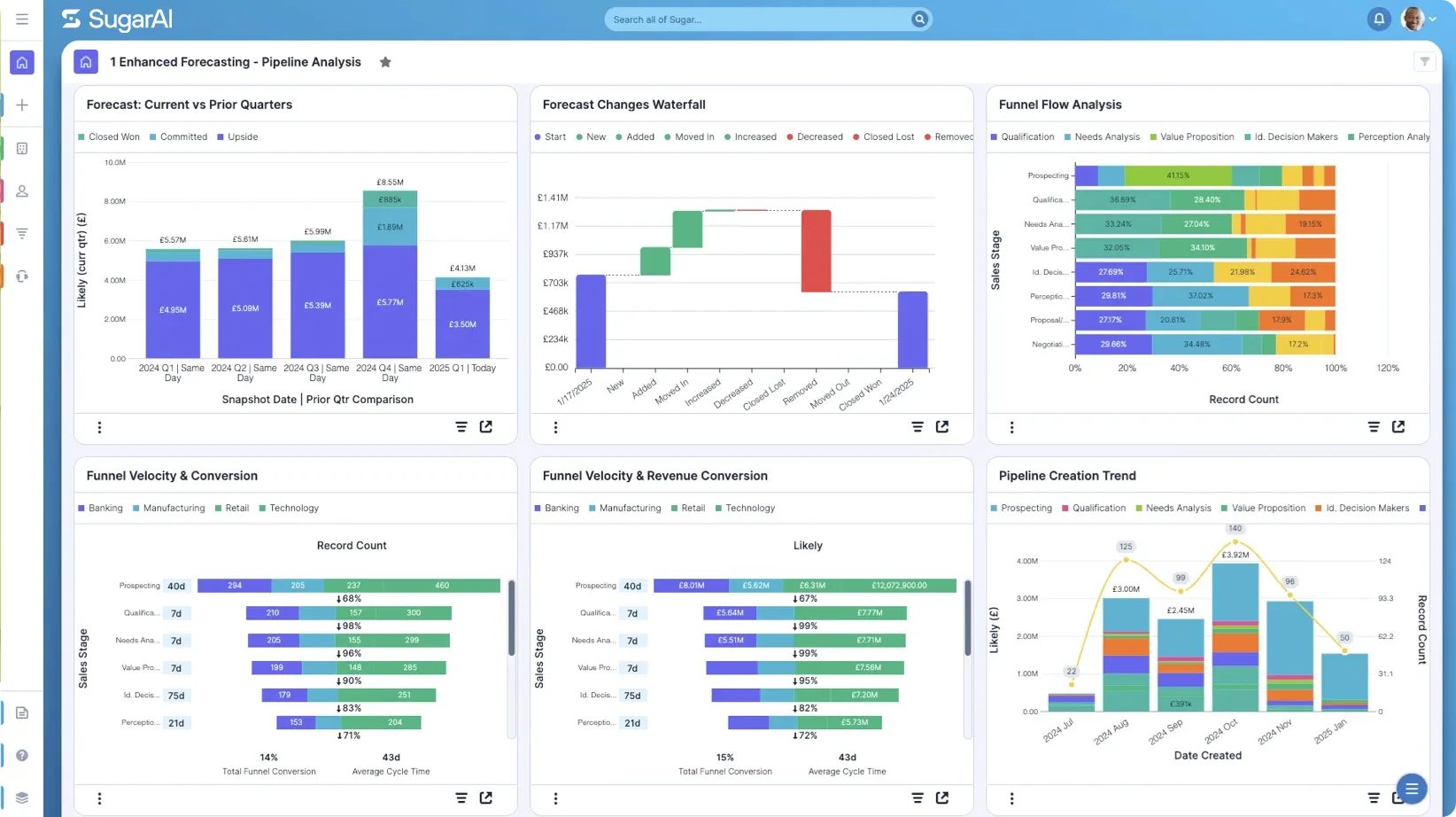
Daily action list ranked by revenue at risk or opportunity
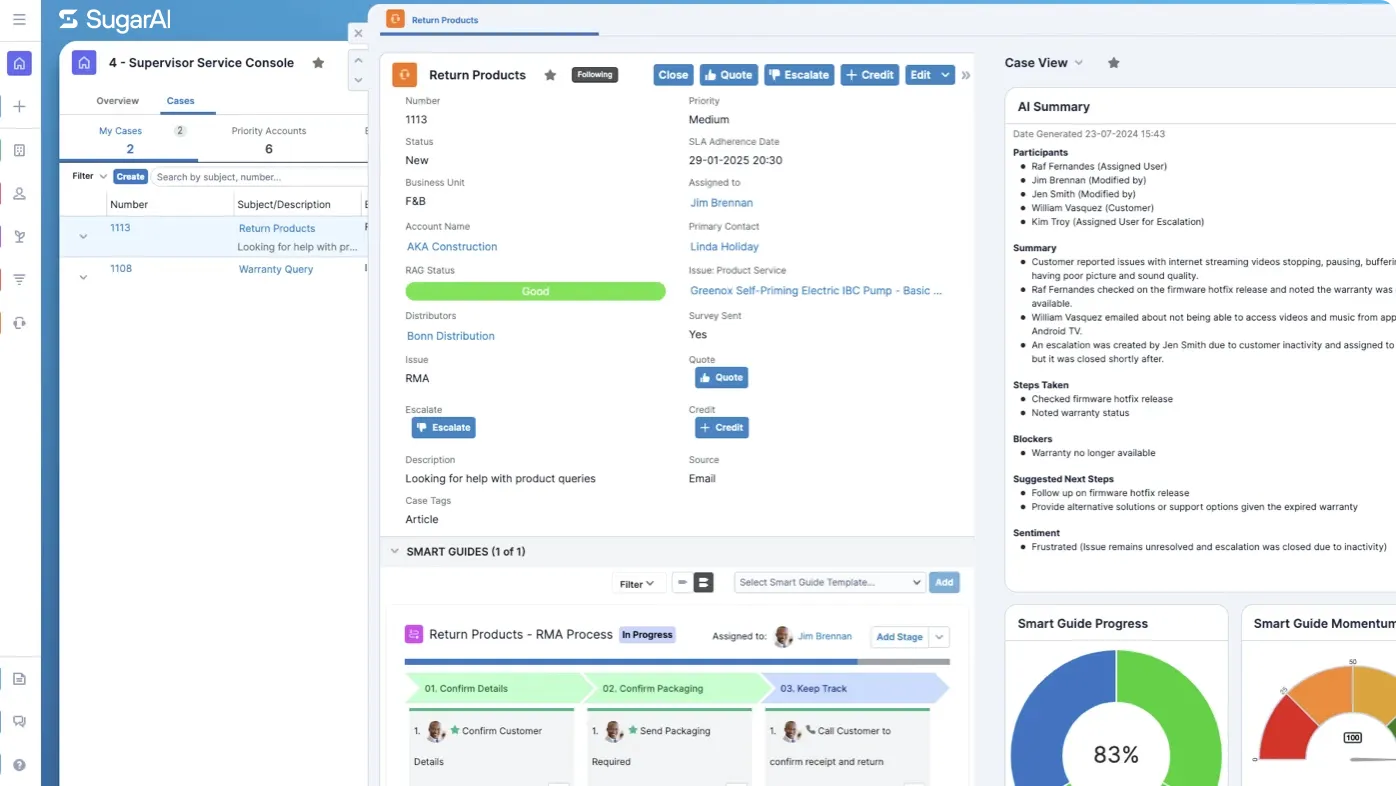
One‑click account snapshot (YoY spend, margin trend, gap SKUs)
Mobile alerts so they can act from the car park
Where Predict fits best
Manufacturers, distributors, and wholesalers that run large SKU catalogs and multi-year customer relationships. Common sectors include:
Automotive parts and heavy-duty trucks
Industrial and construction supplies
Food-service and beverage distribution.
The shift from reactive firefighting to proactive retention
With Sugar Predict, reps spend less time guessing and more time growing the revenue you already won.
What reps are doing today | What fuels revenue with Sugar Predict |
|---|---|
Using gut feel and last activity date. | Cadence alerts when an account stretches its reorder cycle. |
45-minute spreadsheet prep per meeting. | Auto scorecard—5-minute prep with SKU trends and margin health. |
Cold-calling net new lists. | Focus on current customers whose spend just dipped. |
Spotting gaps only after revenue falls. | Early warnings when volume or margin slips more than 10%. |
Hunting for bundle/add-on ideas. | One-click view of missing complementary SKUs. |
Reacting when churn is already visible. | Daily “at-risk” list ranked by revenue to protect. |
Chassis Cab: Revving up sales
One company using Sugar Predict to drive smarter selling is Chassis Cab. They’re a family-run DAF truck dealership based in East Anglia, offering vehicle sales, parts, and repair services across four locations in the UK.
Before Sugar Predict:
Chassis Cab’s sales team struggled to track customer activity and spot missed opportunities. They often discovered too late when key accounts had stopped buying or when upsell chances were missed. Decision-making was slow, and the team couldn’t react quickly to changes in customer behavior.
After Sugar Predict:
With Sugar Sales Intelligence, Chassis Cab gained instant visibility into sales activity, customer engagement, and buying patterns. The team could quickly identify inactive accounts, launch targeted campaigns, and respond faster to shifts in demand.
Results:
24% increase in sales
£150,000 in new revenue from a single campaign
“With gap analysis in Sugar Predict, I can pull data quickly within minutes, find out what product groups are growing or falling, and adjust our strategies accordingly.”
– Kieran Chaplin, Parts Sales Manager, Chassis Cab
30-day action playbook
Close the focus gap without wrestling with a single ERP report. With sales intelligence switched on, reps get daily risk and opportunity alerts that your ERP has tracked for years. There are 2 methods to get started with sales intelligence.
Customer/3rd party ERP export
We can be system-ready in under 1 week on average from receiving data.
Activity | Scope | Customer | Sugar |
|---|---|---|---|
Portal Access | Sales Intelligence portal login credentials and data import guide sent to customer admin | ✓ | ✓ |
Access to Sales Intelligence portal | ✓ | ||
Review Data Import Guide | ✓ | ||
Data Extraction | Customer, Product, Product Groups, and Sales files extracted from ERP (Contacts optional) | ✓ | |
Guidance on data format | ✓ | ||
Data Load | Upload data into Sales Intelligence portal for verification | ✓ | |
Guidance to customer during data load | ✓ | ||
Automation to extract data files and upload to Sugar FTP site nightly | ✓ | ||
Go Live & Training | Full system access | ✓ | |
Access to self-guided training content | ✓ |
Sugar-led export
From common ERPs, go from access to system-ready in 30 days on average.
Activity | Scope | Customer | Sugar |
|---|---|---|---|
Data Validation | ERP data is validated by the Sugar team | ✓ | |
Access | Customer provides Sugar with access to ERP data | ✓ | |
Data Extraction | Customer, Product, Product Groups, and Sales files extracted from ERP (Contacts optional) | ✓ | |
Data Load | Upload data into Sales Intelligence portal for verification | ✓ | |
Automation to extract data files and upload to Sugar FTP site nightly | ✓ | ||
Go Live & Training | Full system access | ✓ | |
Access to self-guided training content | ✓ |
Share article